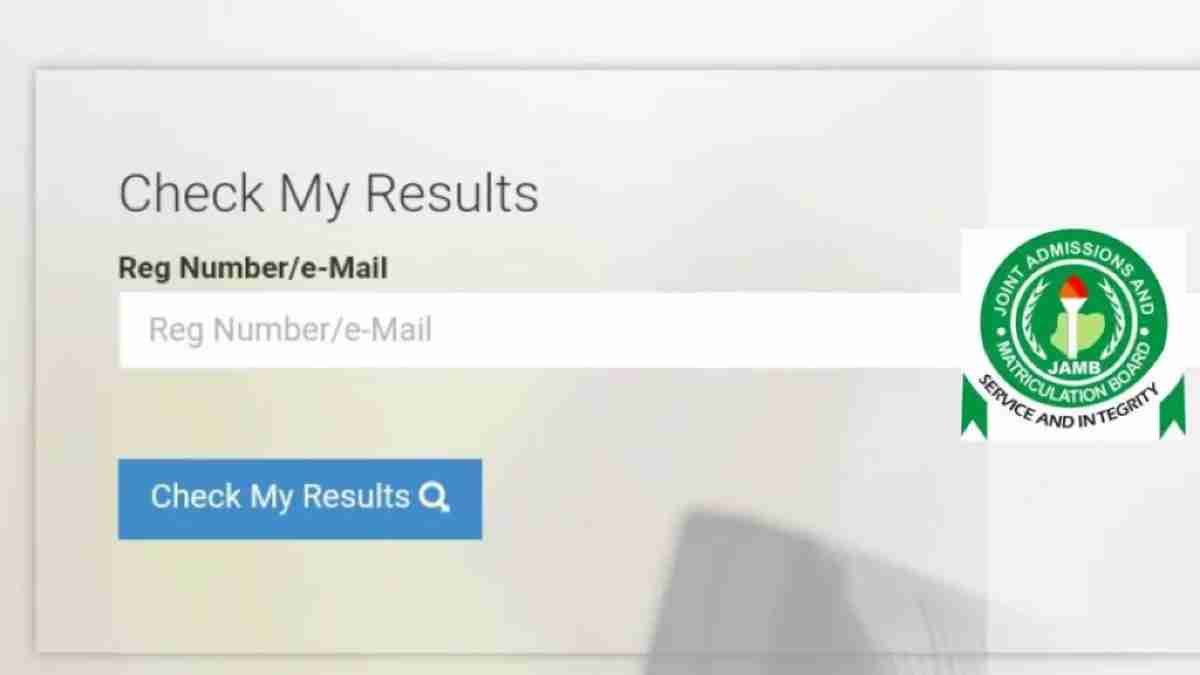
JAMB Result Is Out, Check JAMB 2026 Result with JAMB Result Checker Portal Login below.
Philips News reports that the Joint Admissions and Matriculation Board (JAMB) has announced that results for candidates who sat for the first day of the 2026 Unified Tertiary Matriculation Examination (UTME) will be released before midnight on Friday, April 17.
Official Response:
This newspaper understands that the development was contained in a statement shared on the micro-blogging site, X, formerly known as Twitter, by Fabian Benjamin, JAMB spokesperson.
The post reads “RELEASE OF RESULTS FOR THE first day of the 2026 UTME
“This is to inform all candidates who sat for the 2026 UTME on Thursday, 16th April 2026, that their results will be released today before midnight.
“An official announcement will be made to the public and posted on this page as soon as the results are available.
Thank you.”
RELEASE OF RESULTS FOR THE FIRST DAY OF THE 2026 UTME
This is to inform all candidates who sat for the 2026 UTME on Thursday, 16th April 2026, that their results will be released today before midnight.
An official announcement will be made to the public and posted on this page as…— Fabian Benjamin (@FabianB58246501) April 17, 2026
Yes, it’s official, JAMB Result is out. : [BREAKING: JAMB Sets Time to Release First Batch of JAMB 2026 Results]
JAMB Result Checker Portal Login:
In this article, PhilipsNews will show you how to check the 2026 JAMB result by using the www.jamb.gov.ng portal and checking with your registration number or without your registration number.
This is to inform the general public that the JAMB 2026 result can be accessed on the JAMB 2026 Result Checker Portal www.jamb.gov.ng. For those who wrote the CBT Exams, this article will show you how to check your UTME Result.
JAMB Result Checker 2026 – In this article, PhilipsNews will show you how to check the 2026 JAMB result by using the www.jamb.gov.ng portal and checking with your registration number or without your registration number.
This is to inform the general public that the JAMB 2026 result can be accessed on the JAMB 2026 Result Checker Portal www.jamb.gov.ng. For those who wrote the CBT Exams, this article will show you how to check your UTME Result.
IMPORTANT NOTICE: We at PhilipsNews advise JAMB candidates to check their results on JAMB official website. The information that appears on this page was written to help Jambites who are having difficulty checking their Jamb result 2026. If you have any serious problems/issues with your result, JAMB score, or missing result, please feel free to contact JAMB directly on its website. You can ask any questions in the comment box below, and we will try to provide possible assistance to help you freely.
How Do I Check My JAMB Result 2026?
There are several ways to check your JAMB result. You can check your JAMB UTME result with registration number and also check your JAMB score offline via SMS without your registration number.
How To Check JAMB Result With Phone Number:
1. JAMB Result with Phone Number 2026:
2. Go to JAMB Result Checker with Phone Number portal via https://portal.jamb.gov.ng/eFacility_/CheckUTMEResults.
3. Enter your Phone Number in the required column.
4. Click on ‘Check My Results’.
5. The portal will load your result if it’s ready.
- Kindly visit the JAMB result checking portal via https://portal.jamb.gov.ng/eFacility_/CheckUTMEResults.
- Input your JAMB Registration Number/ Registered number in the required column.
- Finally, click on ‘Check My Results’, your JAMB score will display afterwards.
How To Check JAMB Result Via SMS 2026
Currently, to check your JAMB Result through SMS, send UTMERESULT to 55019 or 66019 using the same number that was used for registration (you must have a credit balance of at least N50 on your line).
The result would be replied to as an SMS shortly after.
How To Check JAMB Result 2026 Online:
Approved Method to check your JAMB Result Online 2026:
- Go to UTME Result Checker portal via https://portal.jamb.gov.ng/eFacility_/CheckUTMEResults.
- Enter your 2026 JAMB Registration Number or Email Address in the required column.
- Click on‘Check My Results’.
- The portal will load your result if it’s ready.







![BREAKING: Panic as Enugu Air Plane Veers Off Benin Airport Runway [Video]](https://philipsnews.com/wp-content/uploads/2026/07/resizeplus_Enugu-air-skid-off_1784824708-1024x770-1-120x86.jpeg)
![BREAKING: Spain End Messi's World Cup Dream, Beat 10-Man Argentina to Lift Trophy [Video]](https://philipsnews.com/wp-content/uploads/2026/07/resizeplus_FIFA-World-Cup-2026-winners-Spain-120x86.jpg)